PakePlus 是抄袭 Pake 项目的。 如果您需要此类功能,建议直接使用原版 Pake 项目。
PakePlus is a copy of Pake. If you are looking for this functionality, we recommend using the original Pake project instead.
关于抄袭的证据可以查看:https://v2ex.com/t/1148647#r_16554992
Evidence of copying can be found at: https://v2ex.com/t/1148647#r_16554992
此修改版本移除了原版 PakePlus 中以下有问题的功能:
- 自动 GitHub 仓库点赞 - 原版会在用户添加 GitHub token 时自动 star PakePlus 仓库
- 自动 GitHub 仓库 fork - 原版会自动 fork 仓库到用户账户
- 自动关注用户 - 原版包含自动关注项目作者的功能
This modified version of PakePlus has removed the following potentially problematic features:
- Automatic GitHub repository starring - The original version would automatically star the PakePlus repository when users added their GitHub tokens
- Automatic GitHub repository forking - The original version would automatically fork repositories to users' accounts
- Automatic user following - The original version included functionality to automatically follow the project author
PakePlus 使用 MIT 协议。正如 PakePlus 开发者自己所说:
PakePlus uses the MIT license. As stated by the PakePlus developer themselves:
"说句不好听的,你的项目使用 MIT 协议。根据 MIT 协议,就算侵权了,就算完全使用你的代码再分发/推广/商业化,你也无权干涉"
- Issue: https://github.com/Sjj1024/PakePlus/issues/9746
- V2EX 吃瓜帖子 / V2EX discussions:
Turn any webpage/Vue/React and so on into desktop and mobile app under 5M with easy in few minutes






PakePlus is entirely independently developed—it uses no code, architecture, or design from Pake, and all implementations are original.
YouTube.mp4
- 💎 Approximately 20 times smaller than Electron (less than 5MB!) and 10 times faster.
- 🚀 Built with Rust Tauri, PakePlus is lighter and faster than JavaScript-based frameworks.
- 📦 Comes with rich built-in features — supports shortcuts, immersive windows, and minimalist customization.
- 👻 PakePlus is a minimalist tool that replaces traditional packaging with Tauri for cross-platform desktop apps.
- 📲 Uses native frameworks to package Android and iOS apps — smaller and faster than Tauri2.
- 🤗 Easy to use — just one GitHub Token is all you need to get a desktop app.
- 🌹 No need to install complex dependencies locally — use GitHub Actions for cloud-based automatic packaging.
- 🧑🤝🧑 Internationalization support — automatically follows your system language.
- 💡 Supports custom JavaScript injection — write your own JS to inject into the page.
- 🎨 Beautiful and user-friendly UI — better experience for beginners, supports Chinese names for packaging.
- 📡 Usable directly via the web, but the client offers stronger functionality and is recommended.
- 🔐 Data security — your token is stored only locally, and your project stays safely in your own Git repo.
- 🍔 Supports local packaging and does not require installation of any dependent environments. Local packaging only takes 30 seconds
- 🥥 It's okay without Github Token, local packaging is simple and convenient, and no Token is needed
- ⚔️ Support calling system level APIs in JS scripts, such as downloading files/executing commands/opening new windows, etc
- 🍀 Supports static file packaging — drop in a compiled dist folder or index.html from Vue/React to create a client app.
- 🐞 Debug mode supported — find and eliminate bugs during preview or release.
- 💬 If you run into any issues, feel free to join our technical community for help.
- Have a website? Instantly turn it into a app and elevate its appearance.
- Have a Vue/React project and don’t want to buy a server? Package it as a desktop app.
- Want your Cocos game to run as a cross-platform client? No problem.
- Need to build your Unity project as a cross-platform client? Also no problem.
- Hide your website address from casual sharing or bots scraping your content.
- For internal company platforms — restrict access to your site via a dedicated client only.
- Turn any website into your custom client — inject JS for automation and custom features.
- Annoyed by website ads? Hide them with powerful JS.
- Want to use Tauri2 but the environment is too heavy? Use PakePlus instead!
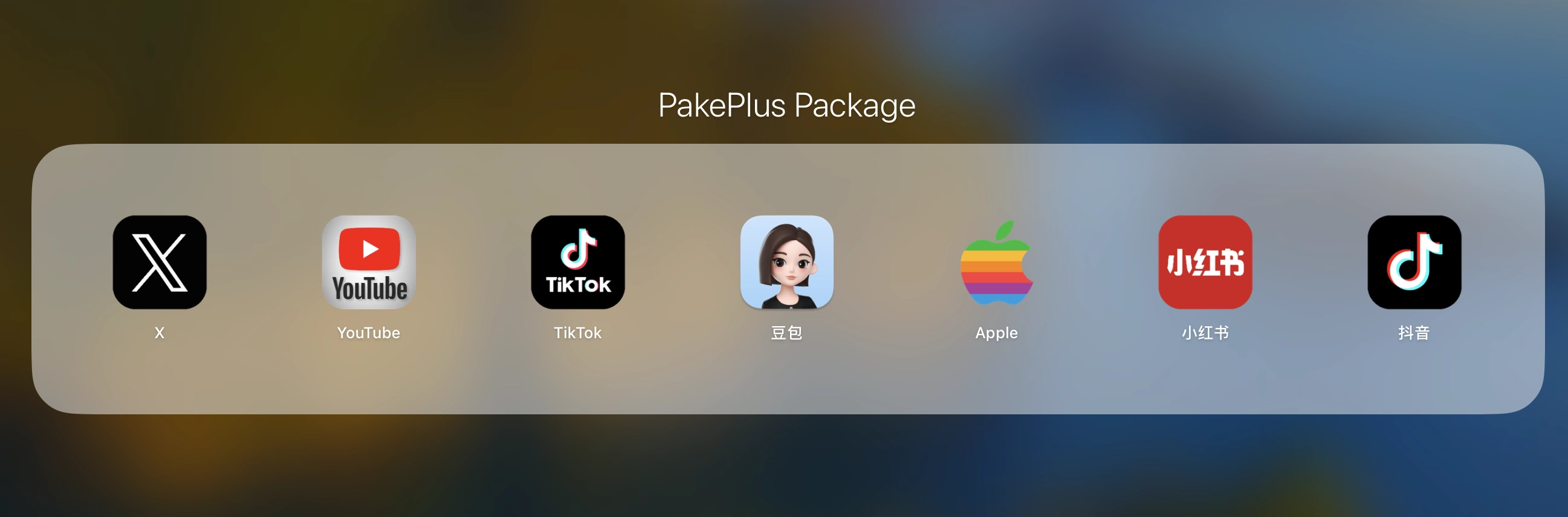
PakePlus supports installation packages for both ARM and Intel architectures. Most popular program installation packages only include the ARM architecture for macOS and the Intel architecture for Windows. If you need installation packages for additional architectures, please use PakePlus to compile the required package separately.
| DeepSeek Mac Windows Linux | X (Twitter) Mac Windows Linux |
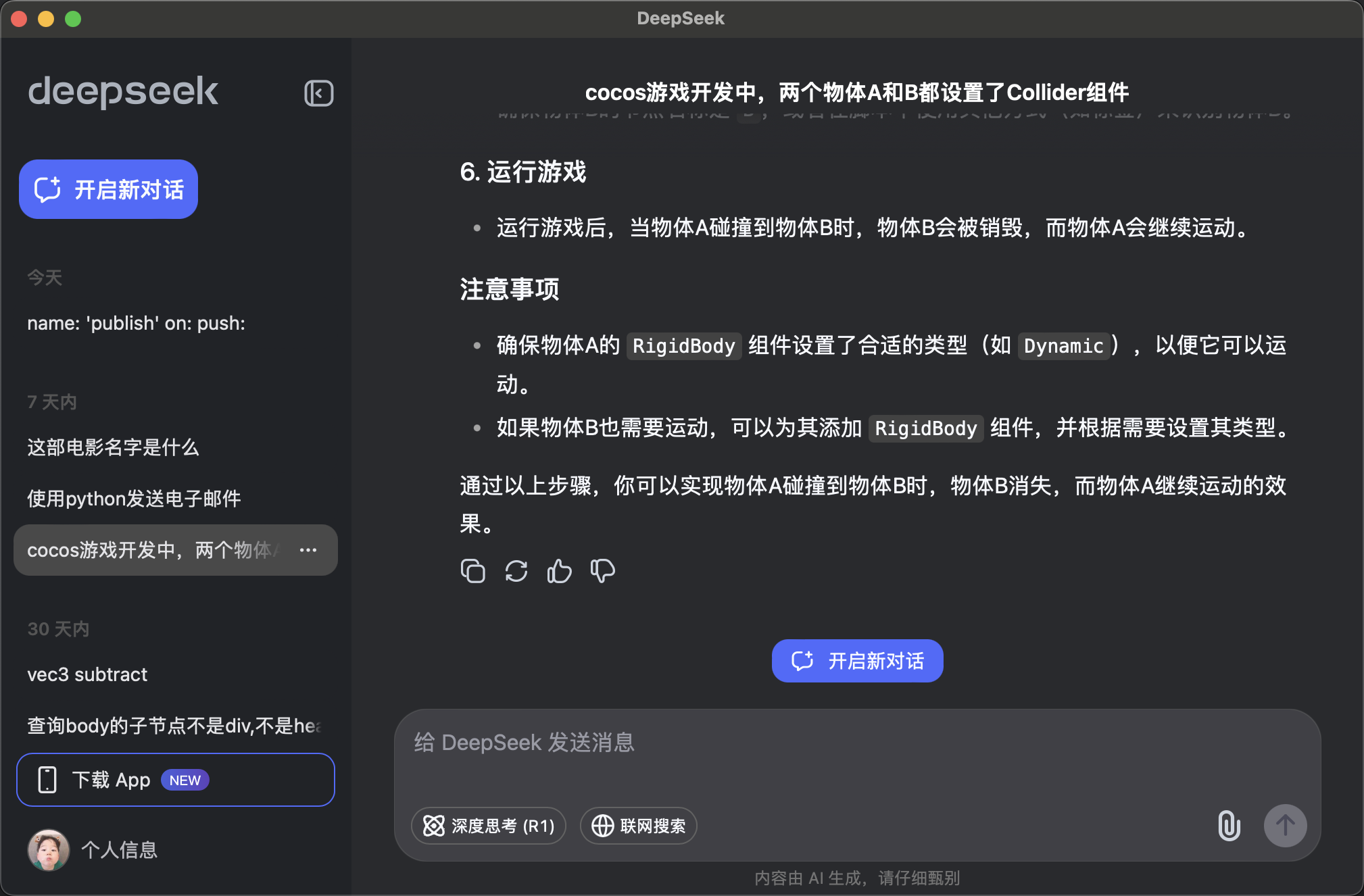 |
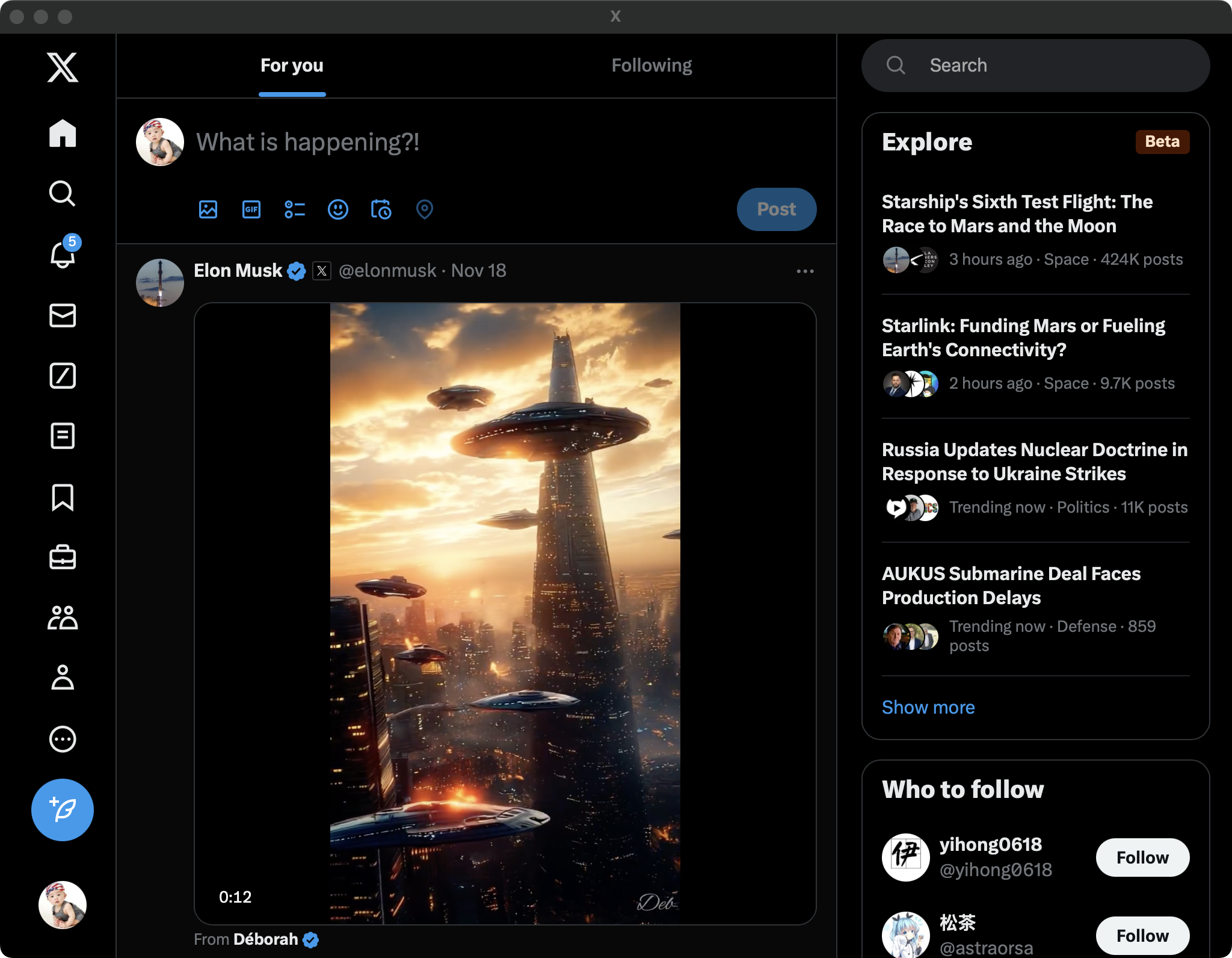 |
| YouTube Mac Windows Linux | 小红书 Mac Windows Linux |
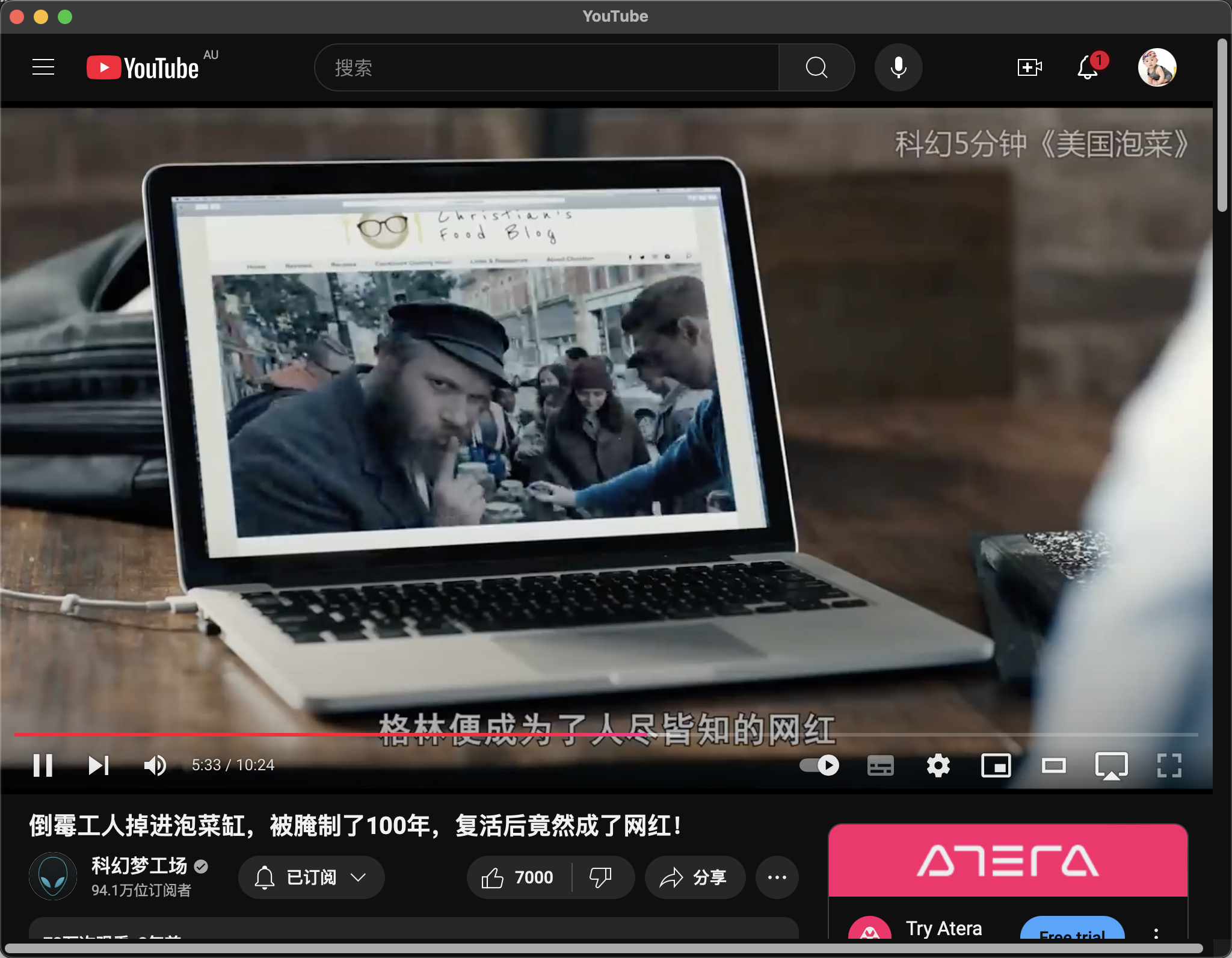 |
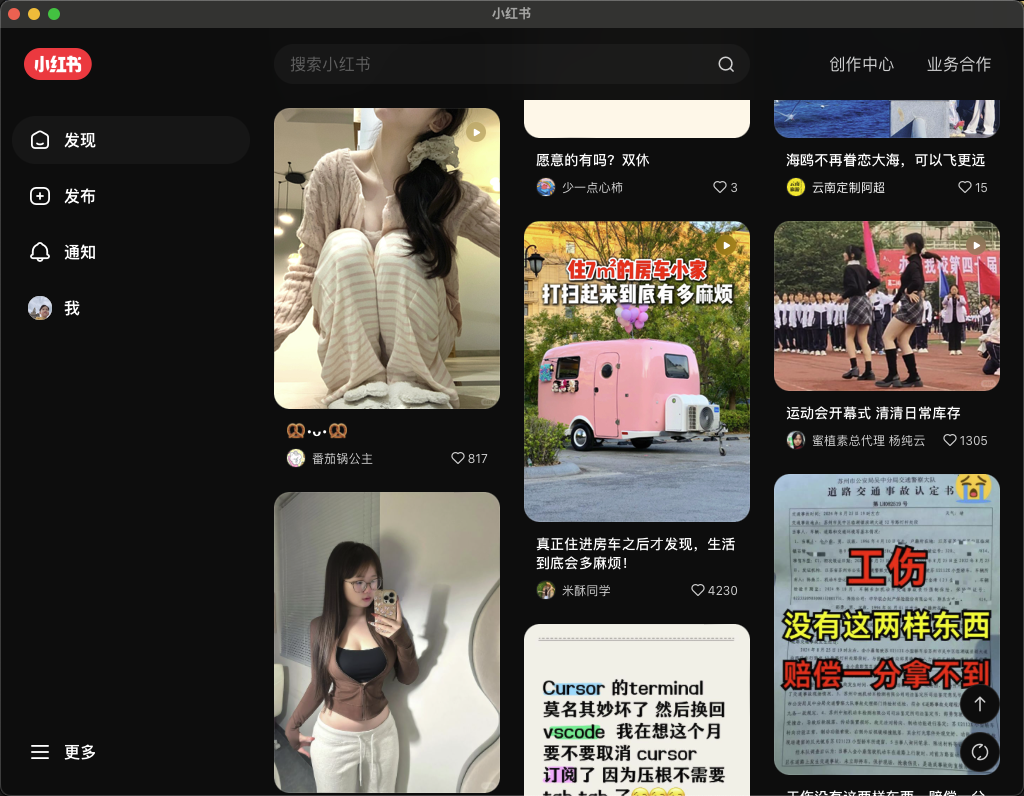 |
| Tiktok Mac Windows Linux | 句乐部 Mac Windows Linux |
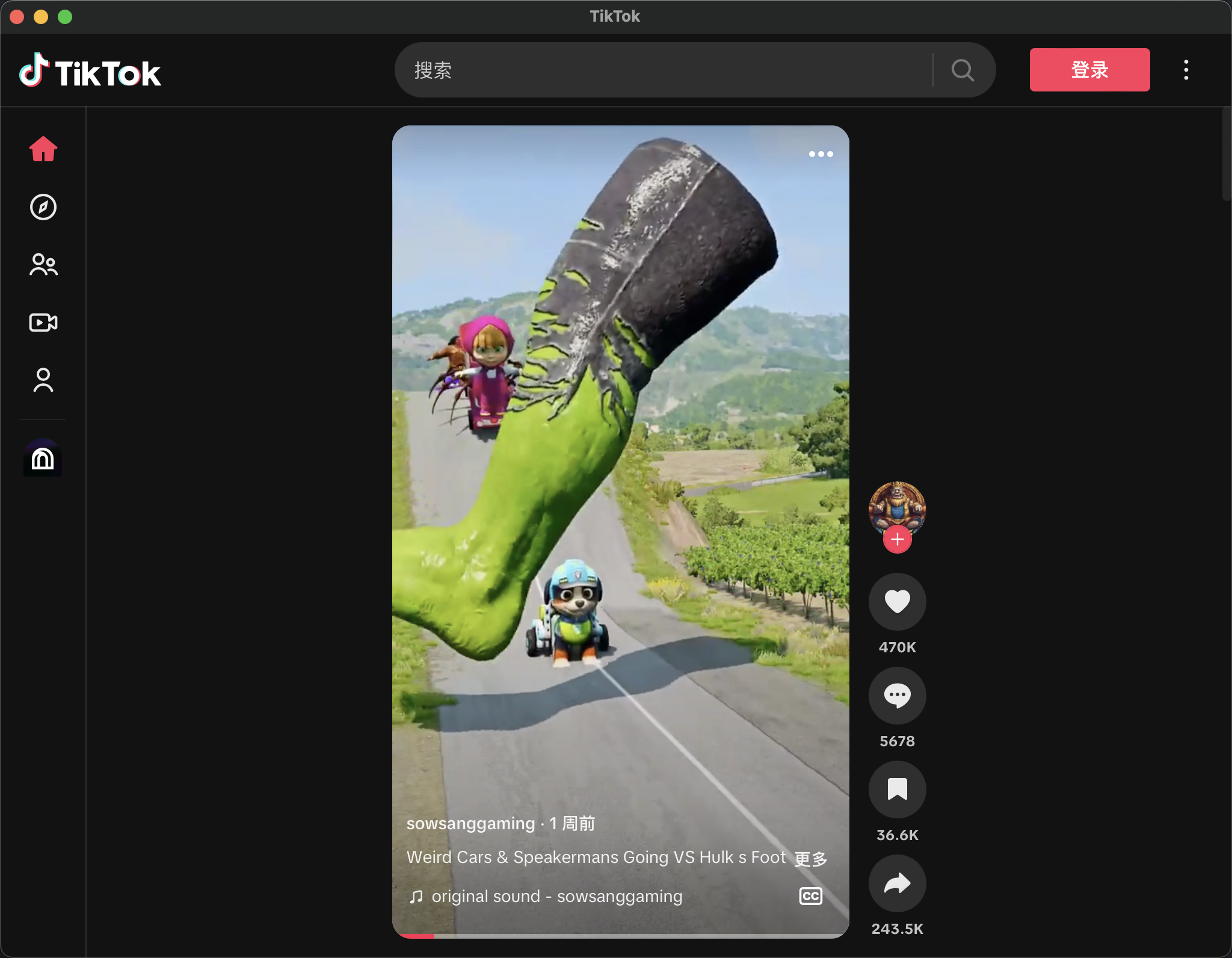 |
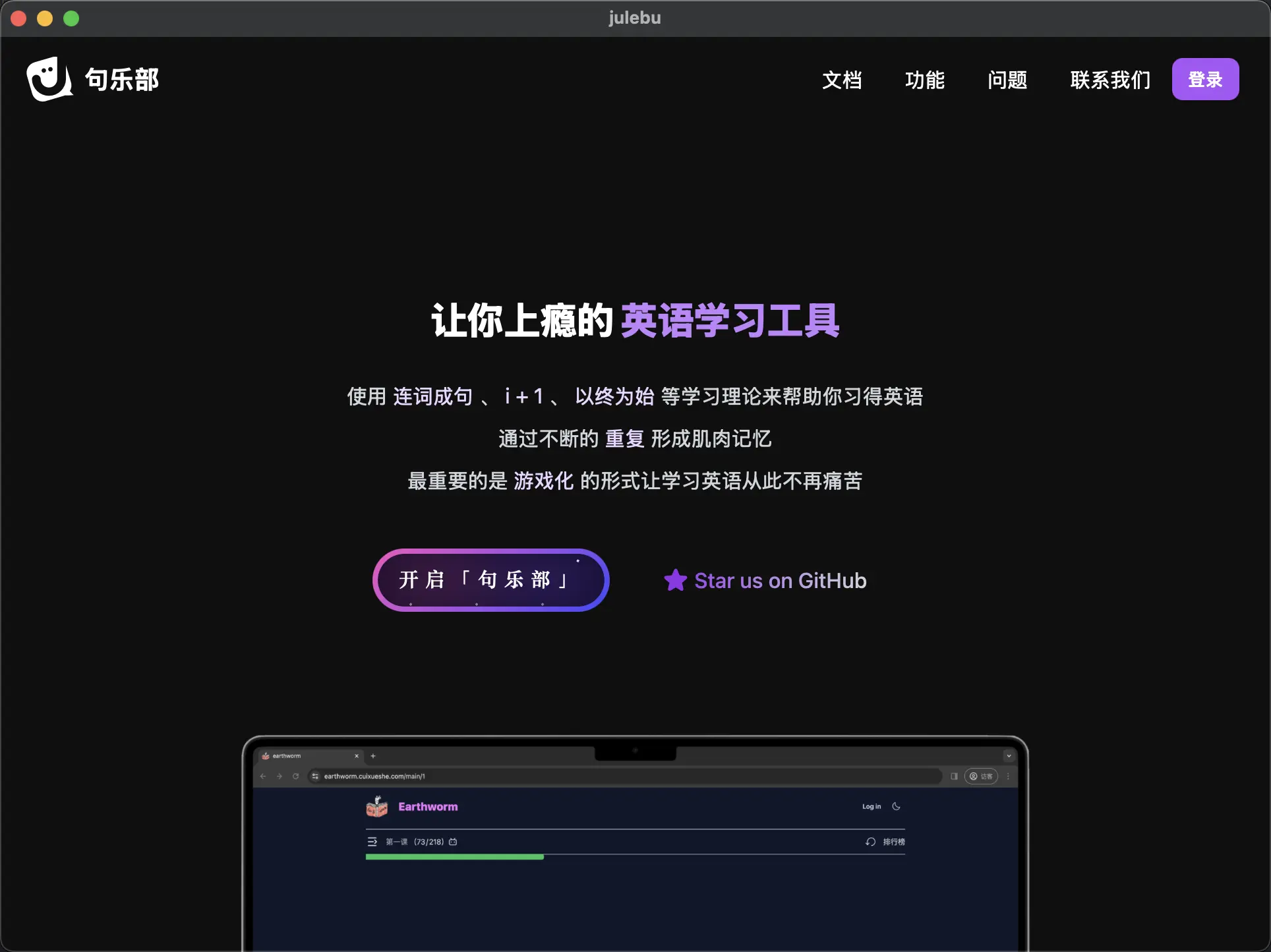 |
- Download the app from the release page:https://github.com/Sjj1024/PakePlus/releases,
double-click to install, and run the app. or visit web:
- Mac users may see an “App is damaged” warning on installation. click cancel and Run the following command, then reopen the app:(This is because the application requires an official signature to avoid the prompt of "The application is damaged" popping up after installation. However, the cost of the official signature is $99 per year... Therefore, it is necessary to manually bypass the signature to use it normally)
sudo xattr -r -d com.apple.quarantine /Applications/PakePlus.app- When you package the app, Mac users may see an “App is damaged” warning on installation. click cancel and Run the following command, then reopen the app:
sudo xattr -r -d com.apple.quarantine /Applications/YourAppName.app-
If you encounter any issues while using the program, please download the latest version, as versions developed before 2025 were based on Tauri v1.0. In 2025, Tauri was upgraded to v2.0. If the latest version still has issues, please submit an issue with detailed information so that we can update and resolve it more quickly.
-
When using GitHub Token functionality, you can manually fork the PakePlus repository to your own account if needed for project creation and compilation.
If you want to Contribution PakePlus, ensure your environment is prepared beforehand. Make sure Rust >=1.63 and Node >=16 (e.g., 16.18.1) are installed on your computer. For installation guidance, please refer to the Tauri Documentation.
If you’re unfamiliar with these, it’s best to try the one-click packaging tool above.
# Install dependencies
pnpm i

# Local development [Right-click to open debug mode.]
pnpm run dev

# Package the app
pnpm run build
All work is conducted openly on GitHub. Whether you are a core team member or an external contributor, all Pull Requests must go through the same review process.
💖 If this modified version has been helpful to you, feel free to support development:
Cryptocurrency Wallets:
- Solana:
CaKaCCFcAAWwZT6gbXTShgiXsh4fcX5rsgLamS3R3Vw5 - Ethereum:
0x3b4892d6C896A7b2E3477928a8dCDB8fBa2365D0 - Base:
0x3b4892d6C896A7b2E3477928a8dCDB8fBa2365D0 - Sui:
0x6c1f5bc7e641d6c17c1ea3f1d36cbca5a345335a38d55c70009b6b2319354483 - Polygon:
0x3b4892d6C896A7b2E3477928a8dCDB8fBa2365D0 - Bitcoin (Taproot):
bc1p4wnl26cm43g5tj923sl8rm83mnvu5t7zflr7dypwdjxxnkl038mqasuas7 - Bitcoin:
bc1p4wnl26cm43g5tj923sl8rm83mnvu5t7zflr7dypwdjxxnkl038mqasuas7