




View Demo · Report Bug · Request Feature · FAQ · Ask Question
Love the project? Please consider donating to help it improve!
Table of contents (Click to show)
- GitHub Stats Card
- GitHub Extra Pins
- GitHub Gist Pins
- Top Languages Card
- Usage
- Options
- Language stats algorithm
- Exclude individual repositories
- Hide individual languages
- Show more languages
- Compact Language Card Layout
- Donut Chart Language Card Layout
- Donut Vertical Chart Language Card Layout
- Pie Chart Language Card Layout
- Hide Progress Bars
- Change format of language's stats
- Demo
- WakaTime Stats Card
- All Demos
- Deploy on your own
- 💖 Support the project
Important
Since the GitHub API only allows 5k requests per hour per user account, the public Vercel instance hosted on https://github-readme-stats.vercel.app/api could possibly hit the rate limiter (see #1471). We use caching to prevent this from happening (see https://github.com/anuraghazra/github-readme-stats#common-options). You can turn off these rate limit protections by deploying your own Vercel instance.

Important
We're a small team, and to prioritize, we rely on upvotes 👍. We use the Top Issues dashboard for tracking community demand (see #1935). Do not hesitate to upvote the issues and pull requests you are interested in. We will work on the most upvoted first.
Copy and paste this into your markdown, and that's it. Simple!
Change the ?username= value to your GitHub username.
[](https://github.com/anuraghazra/github-readme-stats)Warning
By default, the stats card only shows statistics like stars, commits, and pull requests from public repositories. To show private statistics on the stats card, you should deploy your own instance using your own GitHub API token.
Note
Available ranks are S (top 1%), A+ (12.5%), A (25%), A- (37.5%), B+ (50%), B (62.5%), B- (75%), C+ (87.5%) and C (everyone). This ranking scheme is based on the Japanese academic grading system. The global percentile is calculated as a weighted sum of percentiles for each statistic (number of commits, pull requests, reviews, issues, stars, and followers), based on the cumulative distribution function of the exponential and the log-normal distributions. The implementation can be investigated at src/calculateRank.js. The circle around the rank shows 100 minus the global percentile.
You can pass a query parameter &hide= to hide any specific stats with comma-separated values.
Options:
&hide=stars,commits,prs,issues,contribs
You can pass a query parameter &show= to show any specific additional stats with comma-separated values.
Options:
&show=reviews,discussions_started,discussions_answered,prs_merged,prs_merged_percentage
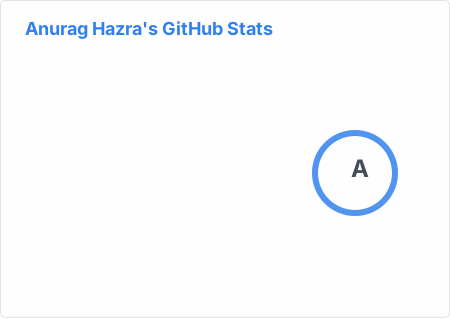To enable icons, you can pass &show_icons=true in the query param, like so:
You can specify a year and fetch only the commits that were made in that year by passing &commits_year=YYYY to the parameter.
With inbuilt themes, you can customize the look of the card without doing any manual customization.
Use &theme=THEME_NAME parameter like so :
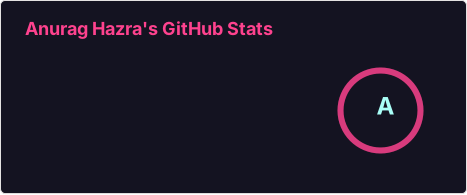GitHub Readme Stats comes with several built-in themes (e.g. dark, radical, merko, gruvbox, tokyonight, onedark, cobalt, synthwave, highcontrast, dracula).
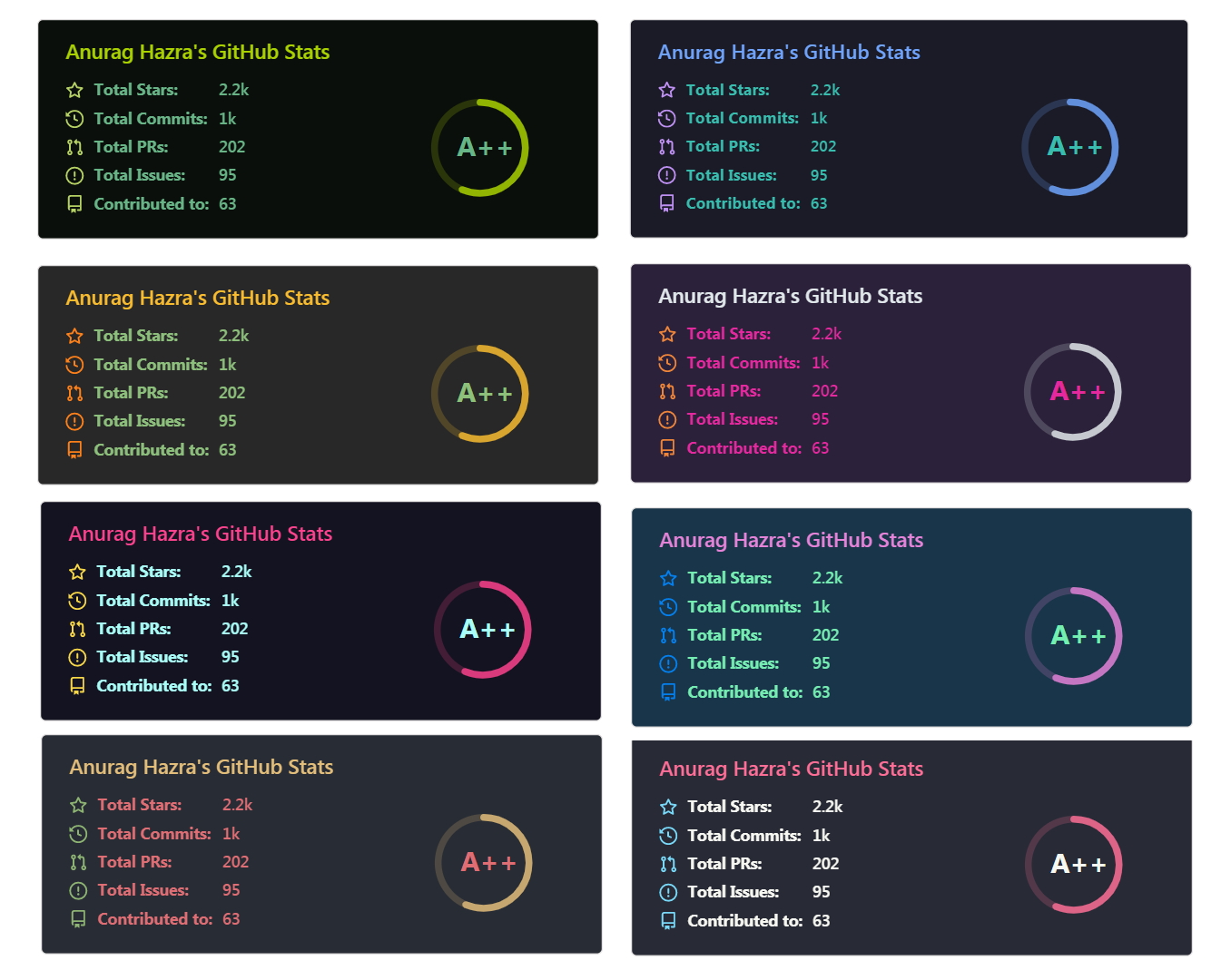
You can look at a preview for all available themes or checkout the theme config file. Please note that we paused the addition of new themes to decrease maintenance efforts; all pull requests related to new themes will be closed.
Since GitHub will re-upload the cards and serve them from their CDN, we can not infer the browser/GitHub theme on the server side. There are, however, four methods you can use to create dynamics themes on the client side.
We have included a transparent theme that has a transparent background. This theme is optimized to look good on GitHub's dark and light default themes. You can enable this theme using the &theme=transparent parameter like so:
👀 Show example
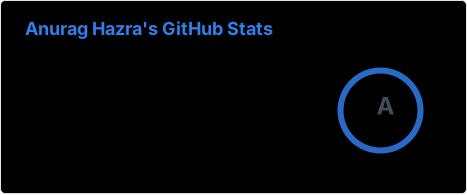
You can use the bg_color parameter to make any of the available themes transparent. This is done by setting the bg_color to a color with a transparent alpha channel (i.e. bg_color=00000000):
👀 Show example
You can use GitHub's theme context tags to switch the theme based on the user GitHub theme automatically. This is done by appending #gh-dark-mode-only or #gh-light-mode-only to the end of an image URL. This tag will define whether the image specified in the markdown is only shown to viewers using a light or a dark GitHub theme:
[](https://github.com/anuraghazra/github-readme-stats#gh-dark-mode-only)
[](https://github.com/anuraghazra/github-readme-stats#gh-light-mode-only)👀 Show example
You can use GitHub's new media feature in HTML to specify whether to display images for light or dark themes. This is done using the HTML <picture> element in combination with the prefers-color-scheme media feature.
<picture>
  <source
    srcset="https://github-readme-stats.vercel.app/api?username=anuraghazra&show_icons=true&theme=dark"
    media="(prefers-color-scheme: dark)"
  />
  <source
    srcset="https://github-readme-stats.vercel.app/api?username=anuraghazra&show_icons=true"
    media="(prefers-color-scheme: light), (prefers-color-scheme: no-preference)"
  />
  <img src="https://github-readme-stats.vercel.app/api?username=anuraghazra&show_icons=true" />
</picture>
👀 Show example
You can customize the appearance of all your cards however you wish with URL parameters.
| Name | Description | Type | Default value |
|---|---|---|---|
title_color |
Card's title color. | string (hex color) | 2f80ed |
text_color |
Body text color. | string (hex color) | 434d58 |
icon_color |
Icons color if available. | string (hex color) | 4c71f2 |
border_color |
Card's border color. Does not apply when hide_border is enabled. |
string (hex color) | e4e2e2 |
bg_color |
Card's background color. | string (hex color or a gradient in the form of angle,start,end) | fffefe |
hide_border |
Hides the card's border. | boolean | false |
theme |
Name of the theme, choose from all available themes. | enum | default |
cache_seconds |
Sets the cache header manually (min: 21600, max: 86400). | integer | 21600 |
locale |
Sets the language in the card, you can check full list of available locales here. | enum | en |
border_radius |
Corner rounding on the card. | number | 4.5 |
Warning
We use caching to decrease the load on our servers (see #1471 (comment)). Our cards have the following default cache hours: stats card - 24 hours, top languages card - 144 hours (6 days), pin card - 240 hours (10 days), gist card - 48 hours (2 days), and wakatime card - 24 hours. If you want the data on your cards to be updated more often you can