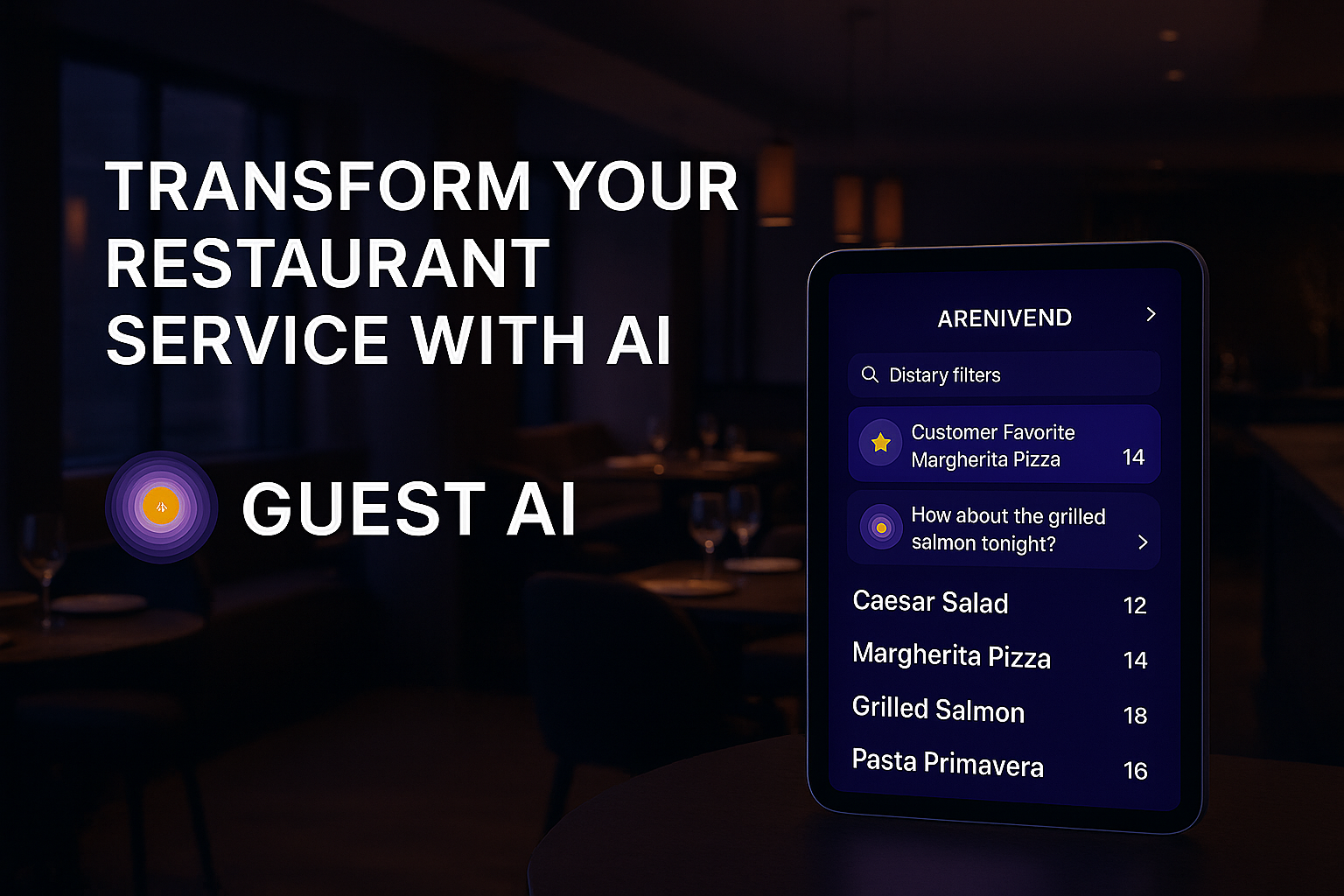
Revolutionize guest experiences with conversational AI that never needs a break








- Intelligent Dining Revolution
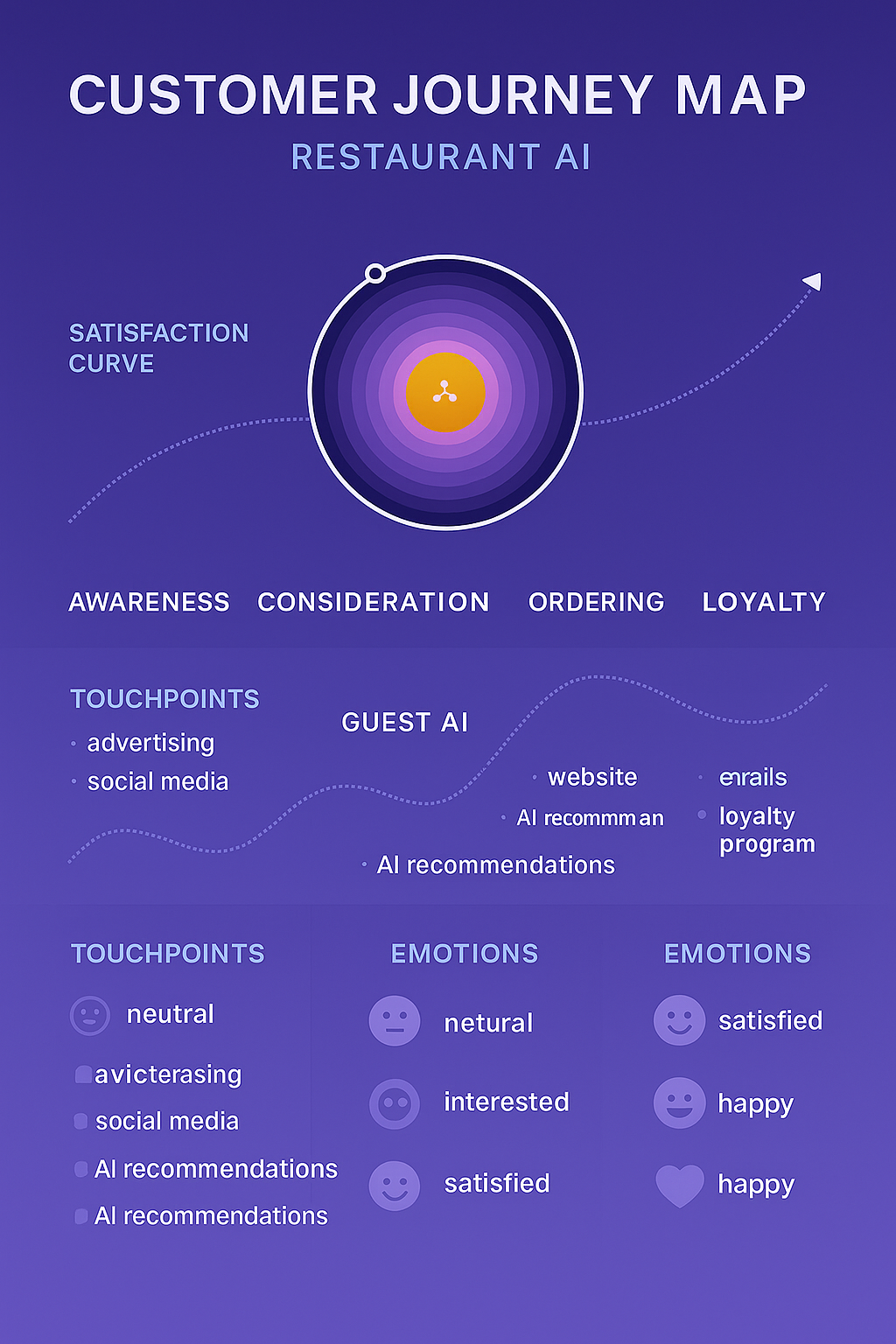
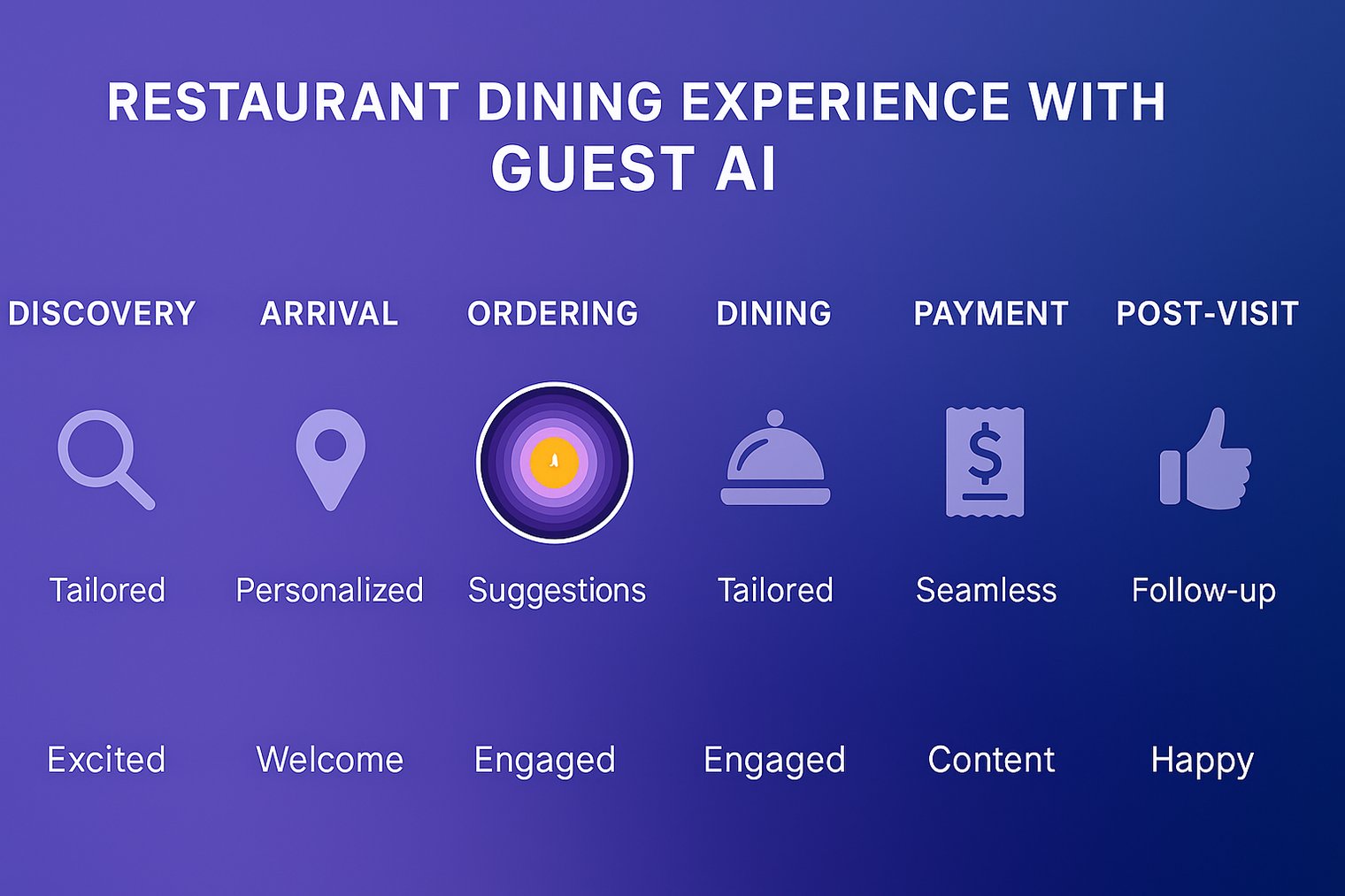
- Customer Journey Map
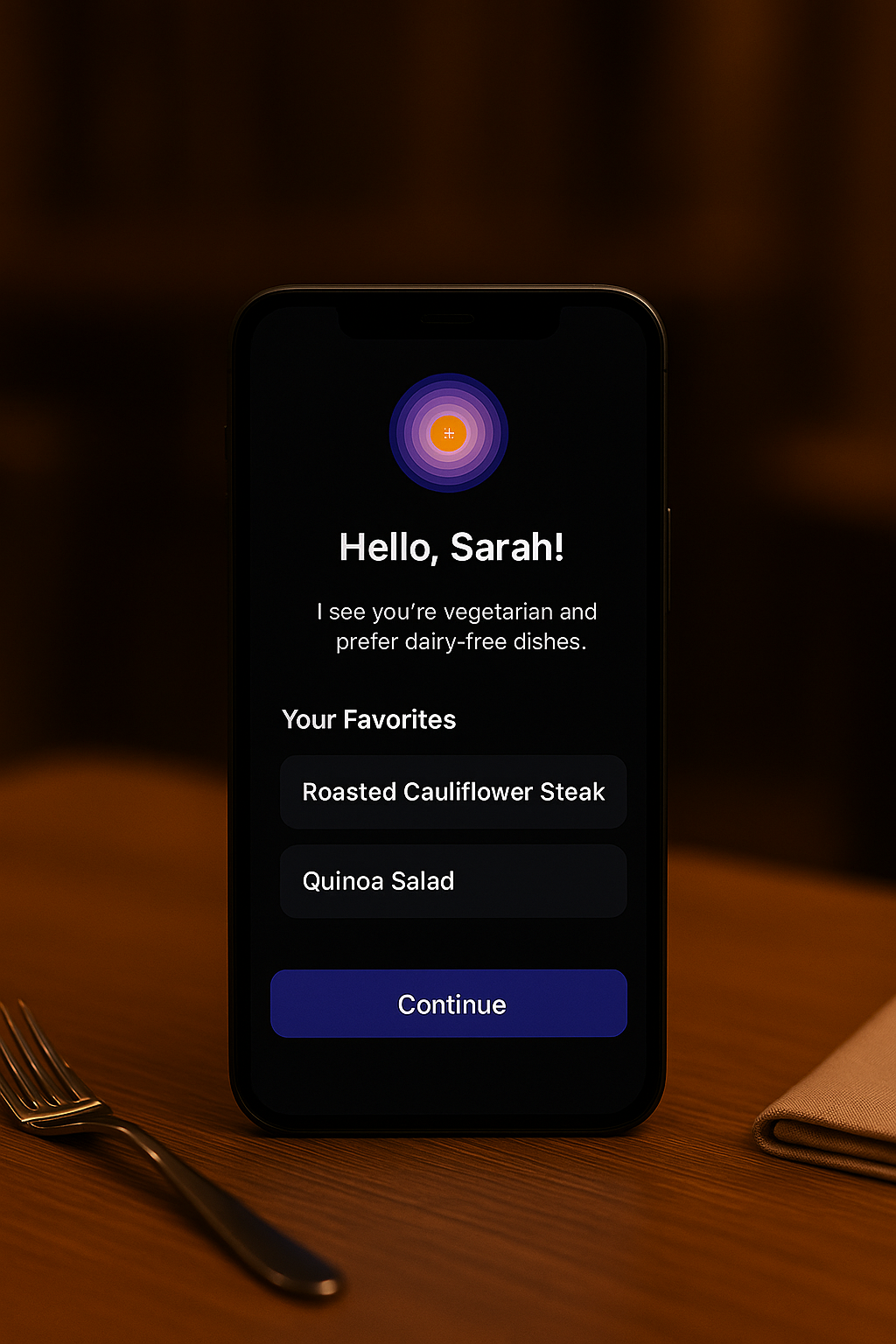
- Personalized Guest AI Experience
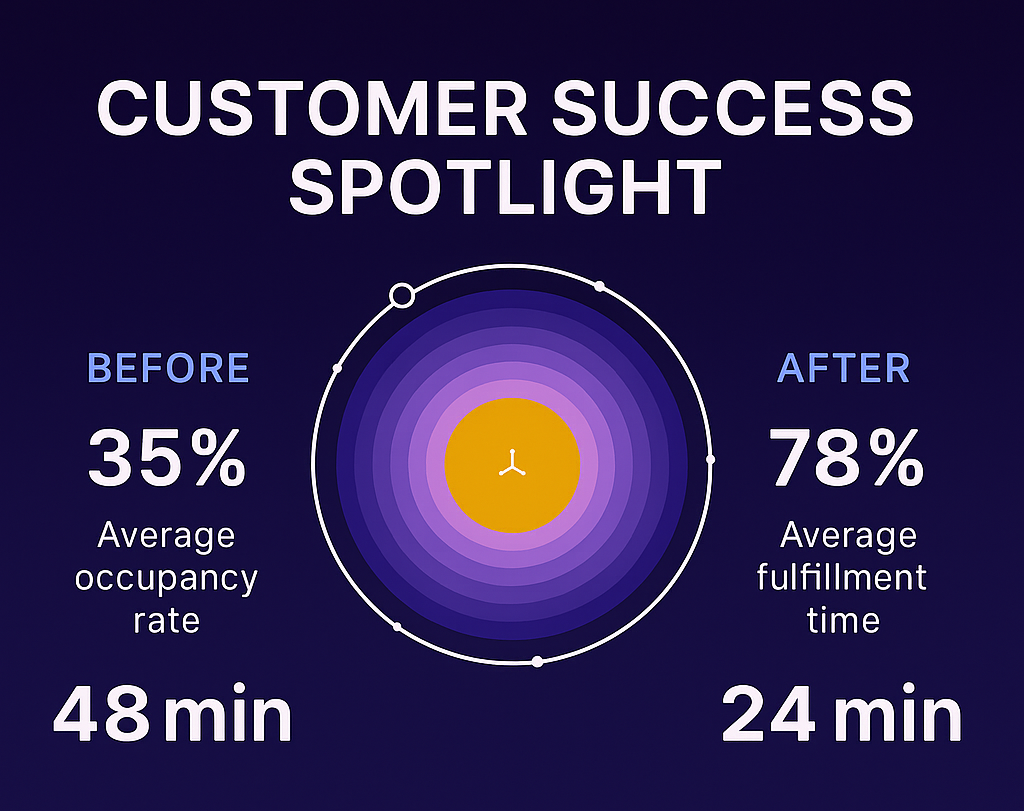
- Customer Success Spotlight
- Core Capabilities
- ✨ Guest AI Feature
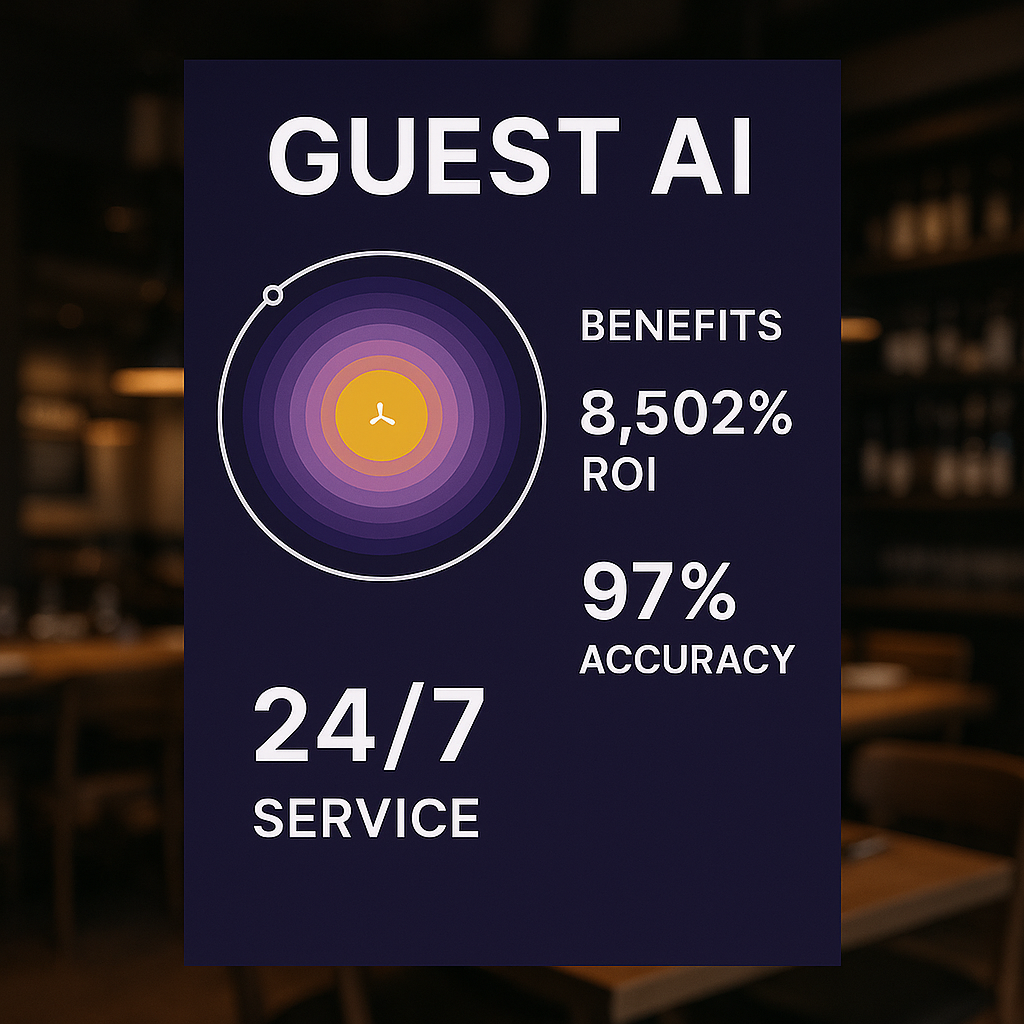
- Benefits of Guest AI
- Tech Architecture
- Quickstart
- Product Roadmap
- Accessibility Commitment
- Why Restaurants Choose GUEST AI
- FAQ
- Contributing
- Community & Support
- License
GUEST AI is an advanced virtual assistant transforming restaurant operations. Acting as your 24/7 digital front-of-house, it engages guests through natural conversations, handles orders with customizations, manages reservations, and personalizes experiences—all with human-like responsiveness.
| Feature | Description |
|---|---|
| Natural Dialogue | Human-like conversations with contextual understanding |
| Voice Ordering | Speech-to-text via Web Speech API |
| Personalized Onboarding | Adaptive welcome flows for new users |
| Image & File Attachments | Process visual references and documents |
| Feature | Description |
|---|---|
| Smart Recommendations | AI-powered menu suggestions |
| Customization Engine | Handle modifiers (toppings, dietary, prep styles) |
| Live Cart System | Real-time order tracking & editing |
| Order Scheduling | Future pickup/delivery time slots |
| Order History | Repeat orders with one-click |
| Feature | Description |
|---|---|
| Table Booking | Step-by-step conversational reservation flow |
| Guest Management | Handle party size, date/time, special requests |
| Confirmation System | Provisional booking codes with details |
| Feature | Description |
|---|---|
| Allergen Tracking | Identify and flag potential allergens |
| Preference Profiles | Save custom dietary restrictions |
| Menu Filtering | Automatically filter incompatible items |
graph LR
    A[React Frontend] --> B[Gemini AI Engine]
    A --> C[Web Speech API]
    B --> D[Menu Database]
    A --> E[LocalState]
    E --> F[IndexedDB]
    E --> G[SessionStorage]
    A --> H[Tailwind UI]
Full Stack Breakdown:
- Frontend: React 18 + TypeScript + Vite
- AI Engine: Google Gemini API
- State: React Hooks + Zustand
- Styling: Tailwind CSS + Lucide Icons
- Persistence: IndexedDB + localStorage
- Infra: PWA + Service Workers
⚡ Quickstart ▶
- Google Gemini API Key (Get one here)
- Node.js v18+
# Clone repository
git clone https://github.com/W3JDev/GuestAI-Intelligent-Virtual-Restaurant-Assistant.git

# Install dependencies
npm install

# Configure environment
echo "API_KEY=your_gemini_key_here" > .env

# Start development server
npm run devNote: HTTPS required for speech recognition features. Use localhost for development.
gantt
    title GUEST AI Development Timeline
    dateFormat  YYYY-MM-DD
    section Phase 1
    UI/UX Refinements       :2025-07-01, 30d
    Light Theme Option      :2025-07-15, 15d
    Internationalization    :2025-08-01, 30d

    section Phase 2
    Payment Integration     :2025-09-01, 45d
    Loyalty Program         :2025-09-15, 30d
    Visual Menu Browsing    :2025-10-01, 30d

    section Phase 3
    Backend System          :2025-11-01, 60d
    POS Integration         :2025-12-01, 45d
    Analytics Dashboard     :2026-01-15, 45d
Key Upcoming Features:
- Payment Processing - Secure in-app transactions
- Real-time Order Tracking - Kitchen to customer updates
- Multi-language Support - Global restaurant compatibility
- Staff Management Portal - Dedicated operations dashboard
- WCAG 2.1 AA Compliant
- Screen Reader Optimized (ARIA landmarks)
- Keyboard Navigation Support
- Adaptive Color Contrast (4.5:1 minimum)
- Reduced Motion Preferences
+ 24/7 Availability → No staffing gaps
+ $3,500/mo average labor savings*
+ 30% larger average order value*
+ 4.9★ customer satisfaction rating*
*Based on pilot program metrics from 12 restaurant partners
Q: Can GUEST AI integrate with my existing POS system?
A: POS integration is on the roadmap! See Product Roadmap for details.
Q: Is my customer data secure?
A: Yes, privacy and security are core priorities. All data is handled in accordance with industry best practices.
Q: Does it support multiple languages?
A: Multi-language support is in active development.
Q: How do I get help or support?
A: Join our community or open an issue on GitHub.
We welcome contributions of all kinds!
- Fork the repository
- Clone your fork:
git clone https://github.com/your-username/GuestAi.git - Create a branch:
git checkout -b feature/my-feature - Commit your changes:
git commit -m 'Add my feature' - Push to GitHub:
git push origin feature/my-feature - Open a Pull Request describing your changes
- Follow the code style used in the project
- Include tests when adding features
- Document your code and changes
For more, see CONTRIBUTING.md.
- GitHub Discussions: Ask a question
- Issues: Report a bug
- Email: [email protected]
- (Discord/Slack/community link placeholder)
```
